 (Image via
Between school assignments, work deadlines, social plans, and personal hobbies, our schedules are packed tighter than a rush-hour subway car. It is incredibly easy to feel overwhelmed by the sheer volume of things we need to do. You might find yourself forgetting important dates, losing track of sticky notes, or just staring at a massive to-do list without knowing where to start. This chaos kills productivity. Instead of getting things done, you spend all your energy just trying to remember what needs to be done. But here is the good news: you do not have to keep it all in your head. The internet offers a vast toolkit of resources designed to act as your external brain. These online tools can help you declutter your mind, manage your time, and keep your life running smoothly so you can focus on actually doing the work rather than stressing about it.
Trello
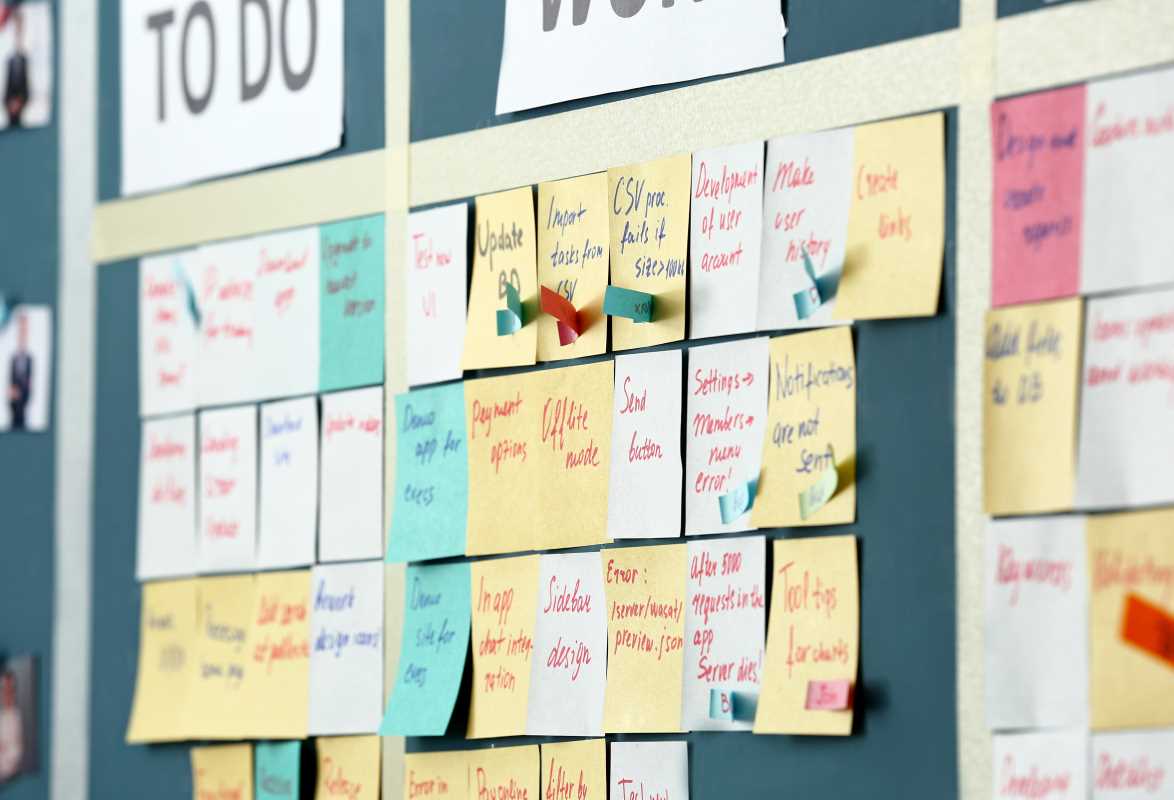
If you are a visual learner, Trello might just change your life. It uses a system called Kanban, which sounds technical but is actually very simple. Imagine a whiteboard filled with columns and sticky notes. That is Trello. You create "boards" for different projects, like "Homework," "Party Planning," or "Summer Goals." Inside each board, you make lists (columns) and add cards (sticky notes) for individual tasks.
For example, you could have lists named "To Do," "Doing," and "Done." As you work on a task, you literally drag the card from one list to the next. This gives you a clear, satisfying visual representation of your progress. You can add due dates, checklists, and labels to each card. Trello is fantastic for group projects because everyone can see what tasks are assigned to whom and what is already finished. The basic version is free and powerful enough for most personal needs.
Todoist
For those who prefer a more traditional checklist but want something smarter than pen and paper, Todoist is a top-tier choice. It is clean, fast, and designed to get tasks out of your head as quickly as possible. You can type something like "Read history chapter every Tuesday at 4pm," and Todoist automatically schedules it for you.
One of its best features is the ability to prioritize tasks. You can flag items as Priority 1, 2, 3, or 4. This helps you focus on what is truly urgent instead of getting distracted by minor chores. You can also organize tasks into different projects, so your "Grocery List" doesn't get mixed up with your "Work Tasks." Todoist gamifies productivity by giving you "Karma" points for completing tasks, which can be a fun little motivator to keep you going. It syncs across your phone and computer, so your list is always with you.
Notion
Notion has exploded in popularity recently because it allows you to build your own perfect organization system. It is like a set of digital Legos. You can use it to take notes, manage projects, build a calendar, or even create a personal wiki. It starts as a blank page, and you can add whatever "blocks" you need—text, images, checklists, tables, or databases.
Because it is so flexible, it can be a little intimidating at first. However, Notion offers thousands of free templates created by other users. You can find templates for a student dashboard, a habit tracker, a reading list, or a budget planner. You just duplicate the template into your own workspace and start using it. It is an amazing tool if you want to keep your notes, tasks, and documents all in one single place rather than switching between five different apps.
Google Calendar
It might seem obvious, but Google Calendar is one of the most underutilized productivity tools out there. Many people use it just for appointments, but it is powerful when used for "time blocking." Time blocking is the practice of scheduling specific chunks of time for focused work, not just meetings.
Instead of just having a to-do list, you put your tasks directly onto your calendar. If you need to write an essay, block out two hours on Tuesday afternoon for it. This forces you to be realistic about how much time you actually have. Google Calendar also allows you to color-code events, so you can see at a glance how much time you are spending on school versus relaxation. You can set multiple reminders for important events so you never miss a deadline. Since it integrates perfectly with Gmail and other Google apps, it is seamless to use.
Focus Keeper
Sometimes the problem isn't organizing the work; it is simply starting it. Procrastination is the enemy of productivity. Focus Keeper is a simple timer app based on the Pomodoro Technique. This technique involves working for a focused 25-minute burst, followed by a short 5-minute break. After four "pomodoros," you take a longer break.
The app handles all the timing for you. Knowing that you only have to focus for 25 minutes makes a big task feel much less scary. It helps you maintain high energy levels and avoid burnout. The ticking sound (which you can turn off) can act as a psychological trigger to get you into "work mode." It tracks your stats so you can see how productive you were over the week. It is a simple tool, but highly effective for anyone who struggles to sit down and focus.